01
Make a hive
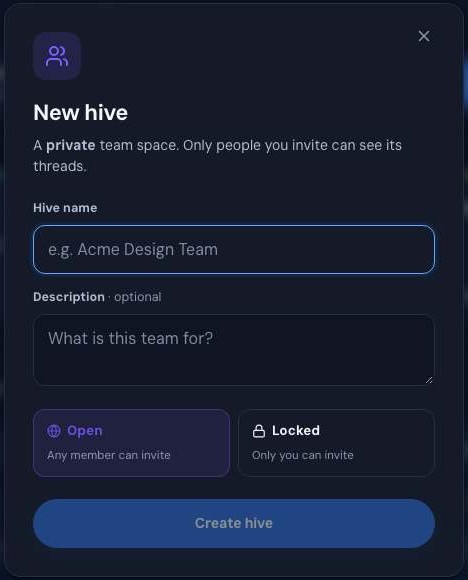
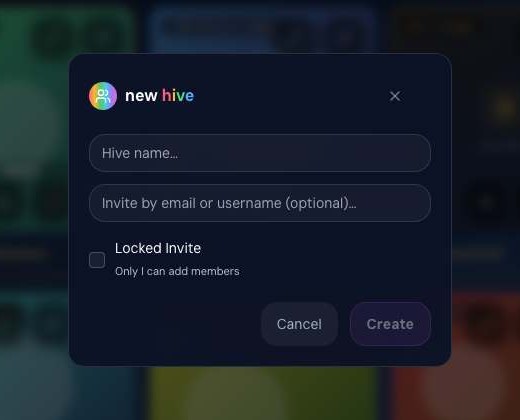
Give it a name and a line about what it's for. Choose Open, so any member can invite, or Locked, so only you can.

 thinkhive
Shared spaces and private team hives with shared folders. What Steve makes lands in your library, goes to your hive, and your team talks it through. Invite only.
 Steve→
 thinkspace→
 library→
your hive
thinkhive is live inside thinkjoin today. Its own home is on the way.


Ask Steve for something. He builds it in thinkspace, the finals come home to your library on thinkjoin.com, and one tap puts them in your hive, where everyone talks it through.
On thinkjoin, by text, by phone, on WhatsApp or on iMessage. The same Steve everywhere, and he remembers the project.
 Steve
Steve
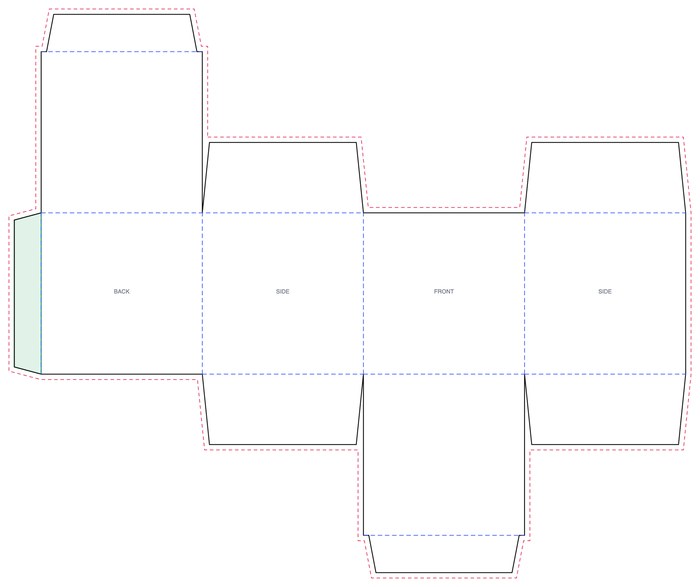
Every job gets its own live workspace. Watch it come together: the spec, the 3D master, the numbered drawings, the dieline, the tech pack.
thinkspace
thinkspaceMO-MR80 · Midnight Red baubleSteve is working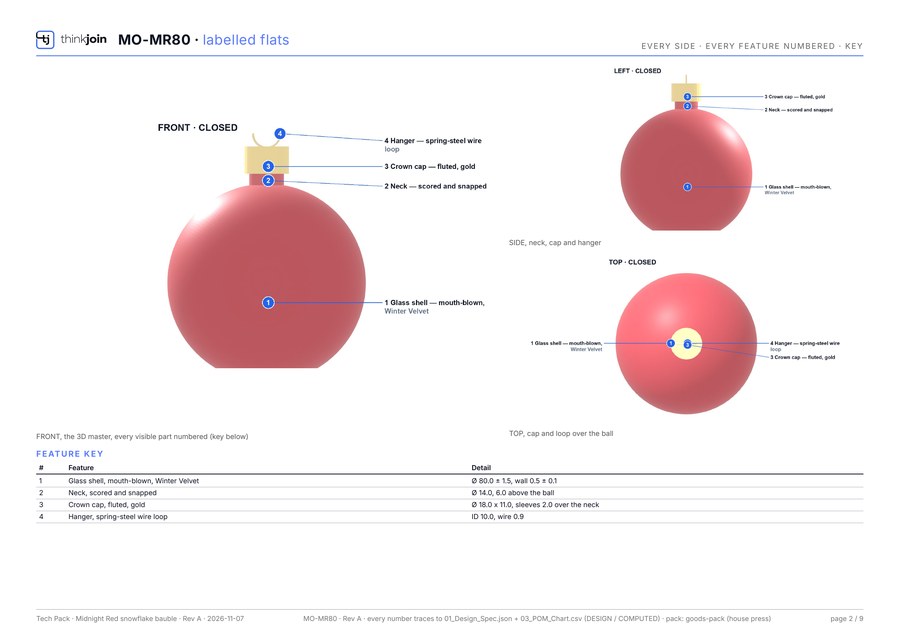
Finished work shows on the thinkspace shelf in thinkhive and in your library. Approve it, pick the final version, and keep a copy with one tap.
library › thinkspace saves
thinkhive› the thinkspace shelf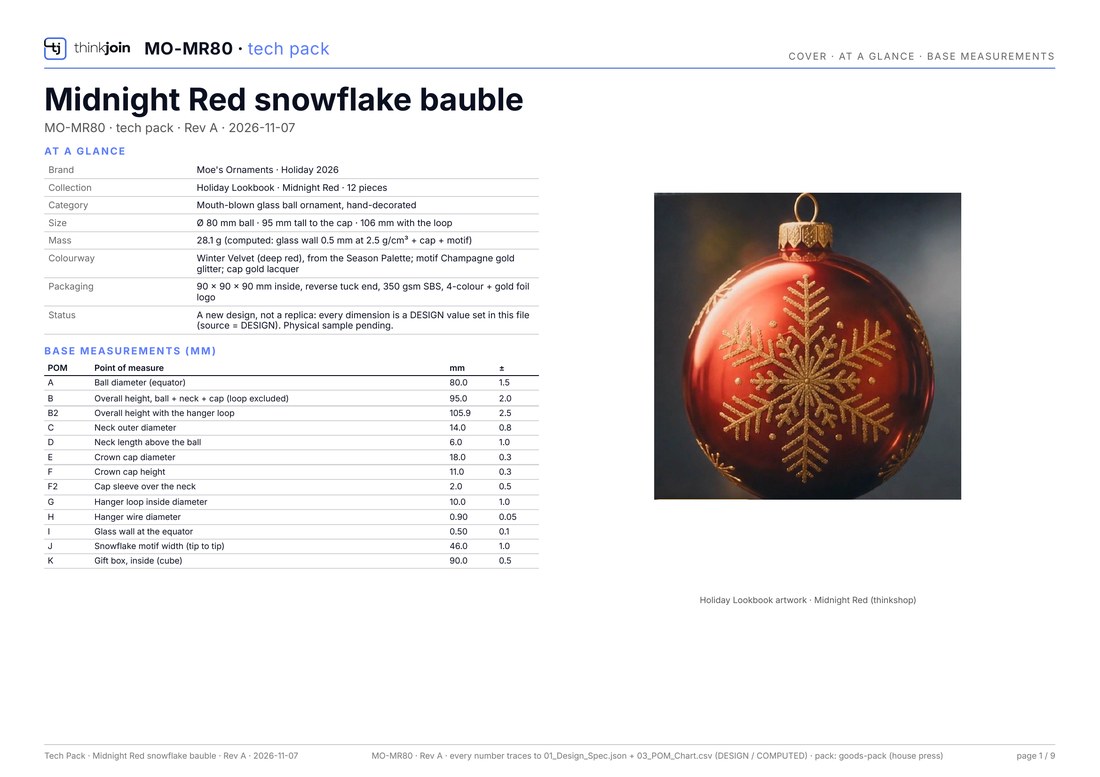 thinkforge
 thinkpack
Your library on thinkjoin.com keeps everything, sorted by the room it came from. On any piece of work, press ⋯ then Add to a hive… and your whole team has it.
library → your hive
library› thinkspace savesthinkspace saveAdd to a hive…Post a thread with the work attached. Members vote, comment and decide, and nobody outside the hive sees a word. Ask Steve right there for the next version.
thinkchat › thinkhive
Holiday linePrivate team
MAPLSteve filed it overnight: 9 sheets, the 3D master and the gift box dieline.
You talk to Steve. Steve builds in thinkspace. Finals come home to thinkjoin, where you keep them in your library and share them in your hives.
The same picture lives in the thinkjoin help, under How it all connects.
A hive is one place to share and work together: a private room of threads, or a shared folder in your library. Or both.
Give it a name and a line about what it's for. Choose Open, so any member can invite, or Locked, so only you can.
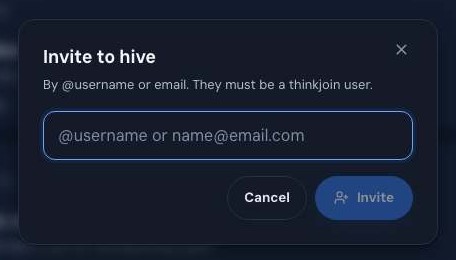
Add people by @username or e-mail. Their invite waits for them in one place, where Accept joins the hive and Decline removes it.
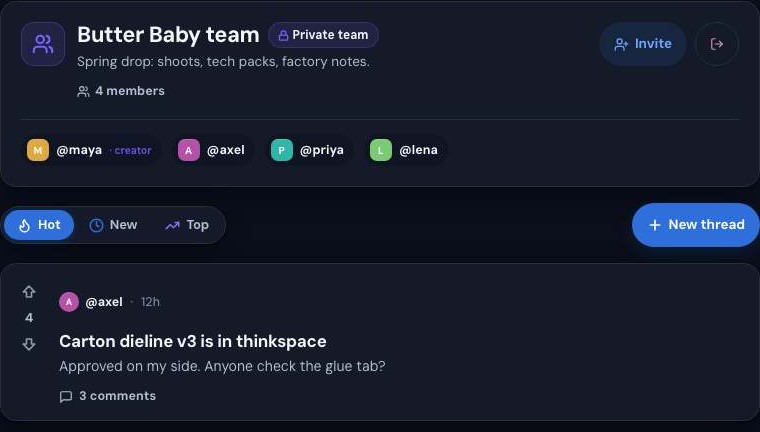
Post threads, vote, comment and attach files. Tap the member count to see everyone inside; the creator is marked.
A library hive is a shared folder your team adds work to. On any piece of work, press ⋯ then Add to a hive… and everyone in it has it.
Steve is the mind behind every thinkjoin room. Ask him for a hive folder and he makes it for you. Nothing happens until you press his card.
SteveA hive's threads are seen by its members, and no one else.
Let any member bring people in, or keep the door yours.
Rooms and shared folders, one list, in Settings › Hives.
What Steve makes for you lands on the thinkspace shelf, right under your hives.
Everything you make in a thinkjoin room saves to your library, and anything in your library can go to a hive.
 thinkpix
Product photo shoots, in six steps.
 thinkshop
The image studio: make and edit images with words.
 thinklab
Ideas into product concepts.
 thinkfilm
Stills into motion, stickers, and a full video editor.
 thinkdeck
Pitch decks from a product name.
 thinkforge
Engineering: 3D models, specs and factory files.
 thinkpack
Packaging: dielines, a creative direction, a mockup.
thinkchatThe members’ forum. Your hives live here.
thinkspaceThe live workspace Steve builds in, one per job.
libraryEverything you keep, sorted by the room it came from.
Coming soon thinkvault
Steve in a box, on your floor. Sealed and offline.
You are herethinkhiveYour team’s private rooms and shared folders.
Until then, your hives are ready and waiting on thinkjoin.com, and Steve is one message away.